
NotebookLM is a game-changer for research, but it still has some gaps in organization and exporting. The community has stepped up with some incredible Chrome extensions to bridge those gaps.
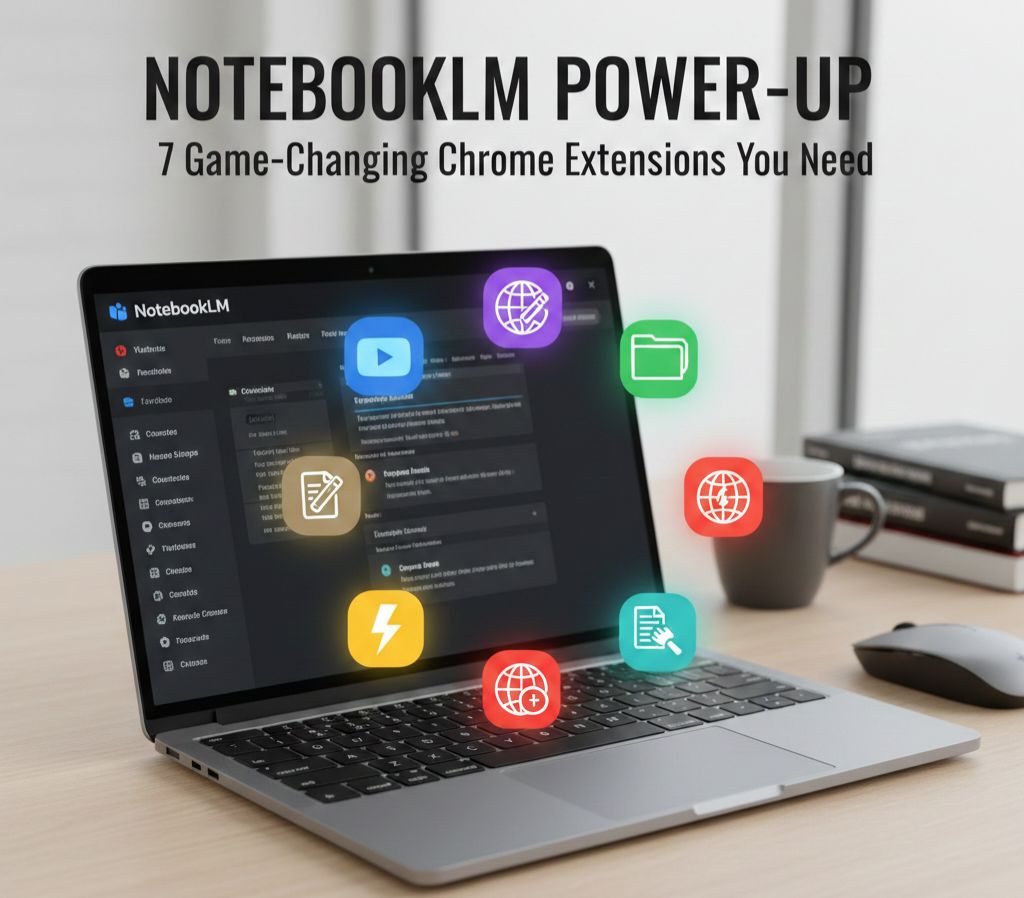
Here are 7 tools to turn you into a NotebookLM Power-User:
1. YouTube to NotebookLM 📺
The Hook: Adds a dedicated “Add to NotebookLM” button directly underneath any YouTube video.
The Value: No more copying and pasting URLs. One click and the transcript is instantly added to your sources.
2. NotebookLM Web Importer 🌐
The Hook: A lightweight, free tool to clip blog posts, news articles, or web pages.
The Value: Perfect for researchers who need to grab text from the web without the formatting headache.
3. Bookshelf Folder Manager 📁
The Hook: Adds a custom sidebar to your dashboard for folder organization.
The Value: If your dashboard is a cluttered mess of notebooks, this lets you group them by project, client, or topic.
4. Cortex (The All-in-One Powerhouse) ⚡
The Hook: The “Swiss Army Knife” for NotebookLM. Features source filtering, bulk exporting, and a Podcast Feed generator.
The Killer Feature: It allows you to sync Google Doc sources. If you update your original Google Doc, one click refreshes the content inside NotebookLM.
5. NotebookLM Language Switcher 🌍
The Hook: Instantly translates the entire interface (buttons, headers, and studio text).
The Value: Essential for users who prefer working in their native language rather than English.
6. NotebookLM Ultra Exporter 📤
The Hook: Adds comprehensive export buttons to your assets, notes, and chats.
The Value: Easily move your AI-generated insights into Markdown, Word Docs, PDFs, or even PowerPoint files.
7. Magic Eraser ✨
The Hook: A simple way to remove the “Made with NotebookLM” watermark from infographics.
The Value: Professional-looking assets for your presentations without the high-tier subscription cost.
Leave a Reply